Product Documentation
1. Platform overview
XKINCODE is a retail point-of-sale and ERP platform built specifically for Indian retail businesses — from a single shop to a multi-store franchise network. It runs entirely on your own hosting (you own your data end-to-end) and is licensed per-module, so you only pay for what you actually use.
The platform is built on PHP 8 / MySQL — no proprietary runtime, no vendor lock-in on the hosting layer. It's proven on standard shared hosting (Hostinger-class) and scales cleanly to a VPS as transaction volume grows.
2. Screens & who uses them
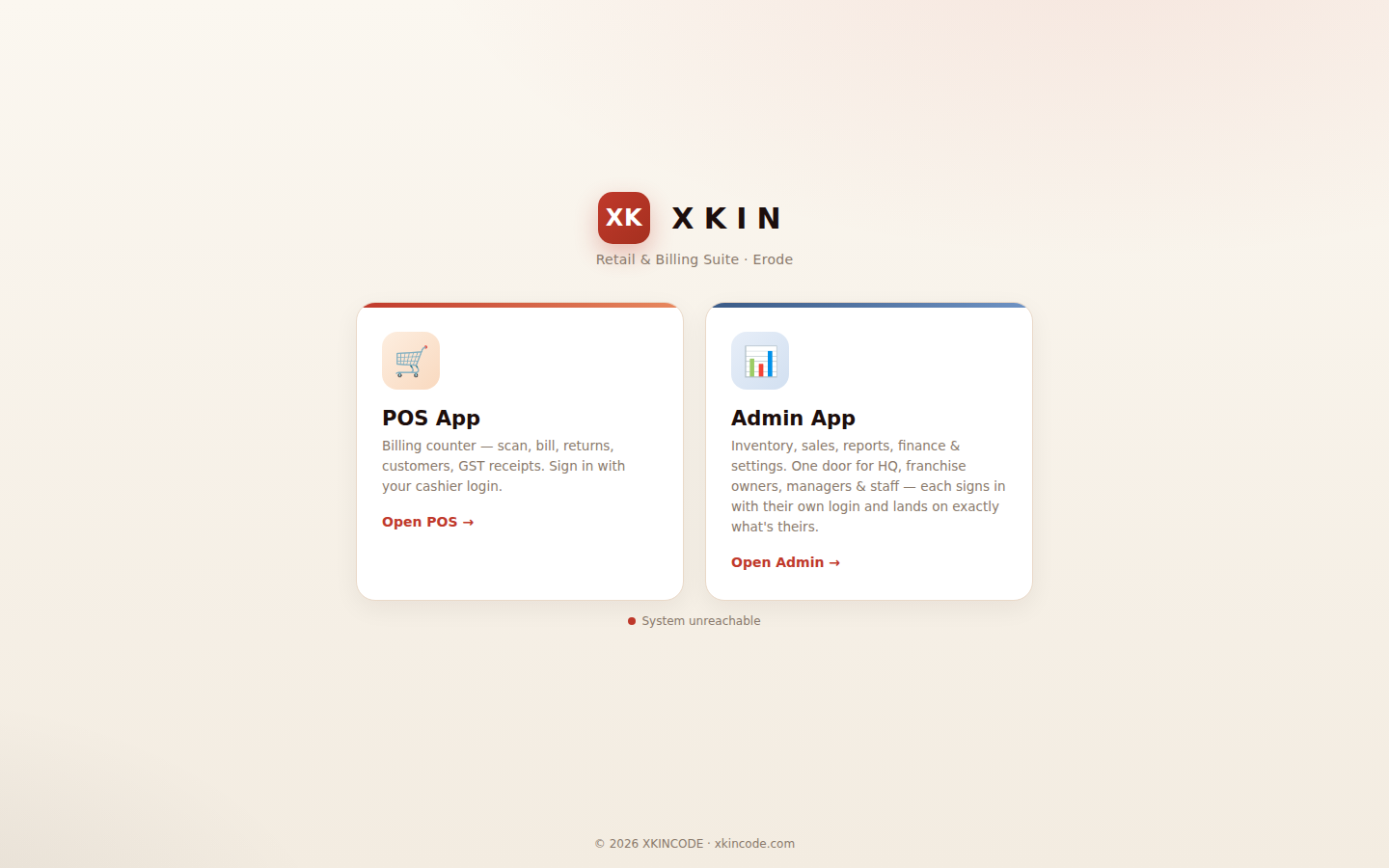
Every install starts at a launcher screen — one door for both apps below. Which one opens, and what a login can see inside it, is decided entirely by role and permission — not by which URL someone types.
Admin panel Back office
Inventory, sales, reports, finance, CRM, workforce, and settings. One application serves HQ, franchise owners, managers, and staff — each login lands on exactly what their role and location permit. (Earlier separate franchise/manager panels have been consolidated into this single app — fewer logins to manage, one place to configure permissions.)
POS till Counter
The cashier-facing billing screen — fast scan-and-bill, GST-correct receipts, returns, customer lookup, and multiple payment methods in one transaction.
Other screens included
| Screen | Purpose |
|---|---|
| Attendance Kiosk | A fullscreen PIN-pad for staff clock-in/out on a shared tablet. |
| Customer bill portal | A private, branded page each customer's WhatsApp bill links to — their bill history, savings, and loyalty points. |
| Customer chat | Two-way messaging thread between the shop and a customer. |
| Customer display | A second screen at the counter showing the live bill as it's built. |
| Feedback (NPS) | A short post-purchase feedback form sent to customers. |
| Installable app (PWA) | Customers can add the shop's ordering/loyalty page to their phone's home screen like a native app. |
3. Feature modules
Every module below can be switched on or off per customer from the XKINCODE licensing panel — nothing needs code changes to enable or disable a feature for a specific business.
| Module | What it covers |
|---|---|
| Core (always on) | Billing, inventory, stock audit, reports, customers, finance |
| Multi-store / locations | Location switching, HQ/store badge, per-store reports |
| Franchise network | Franchise billing, consignment, stock-from-HQ, royalty, support tickets |
| Manufacturing partner sync | Receives stock & supplier payment data from a manufacturing partner automatically |
| Purchasing & vendors | Vendors, direct purchase orders, vendor payments and dues |
| Marketing & campaigns | Coupons, offer blasts, automated campaigns, journeys, A/B tests |
| Loyalty & rewards | Points, reward tiers, refer-a-friend |
| Gift vouchers | Prepaid vouchers — issue, redeem, track balance |
| CRM & customer insight | Customer 360, needs tracking, feedback, AI buying patterns |
| WhatsApp automation | Automated bill/reminder sending via the official Meta Cloud API (free personal WhatsApp mode always available) |
| RCS messaging | Rich branded SMS via Google RCS, a separate channel from WhatsApp |
| XKIN AI | AI-generated business insights on top of your own sales data |
| Advanced analytics | Cohorts, RFM, attribution, customer segmentation — computed from your own data |
| Workforce & HR | Staff, attendance, leave, roster, salary |
| Automation | Workflow rules engine — "when a bill over ₹5000 is created, notify the manager" |
| Salesman tracking | Per-salesman sales attribution and incentive payouts |
| E-invoicing & compliance | E-way bill integration, GST returns (GSTR-1) |
4. Deployment & hosting
You install XKINCODE on your own domain and hosting — a standard PHP 8.1+/MySQL environment (shared hosting is fine to start). A guided installer wizard handles database setup, admin login creation, and company branding in one pass. Future updates are pushed through a password-protected deploy page: upload the new build, click deploy — it backs up automatically, keeps your configuration untouched, and runs any new database migrations.
5. Native Windows till app
Alongside the browser-based POS, a dedicated Windows application is available for the counter machine — not just a browser tab. It includes:
- Direct ESC/POS thermal receipt printing
- Cash drawer control
- Bluetooth printer support (via COM port)
- A local print monitor service, so printing works reliably without browser print-dialog friction
- Auto-start with Windows, fullscreen kiosk mode
One-time build, then copy the executable to each till with a one-line config file pointing at your POS URL.
6. Security & licensing
- Every install is tied to a license key issued at purchase — the installer will not complete setup without a valid, matching key
- Licenses are module-based and time-bound; access to paid modules stops automatically if a license lapses, with a grace period before that happens
- Role-based permissions are enforced server-side, not just hidden in the interface
- Passwords are bcrypt-hashed; API tokens are hashed at rest
- Full audit logging of licensing and administrative actions
7. Support
Every plan includes support through your XKINCODE account portal — submit a ticket, track its status, and get replies by email. Enterprise customers receive priority response.